Description
See it before you buy it
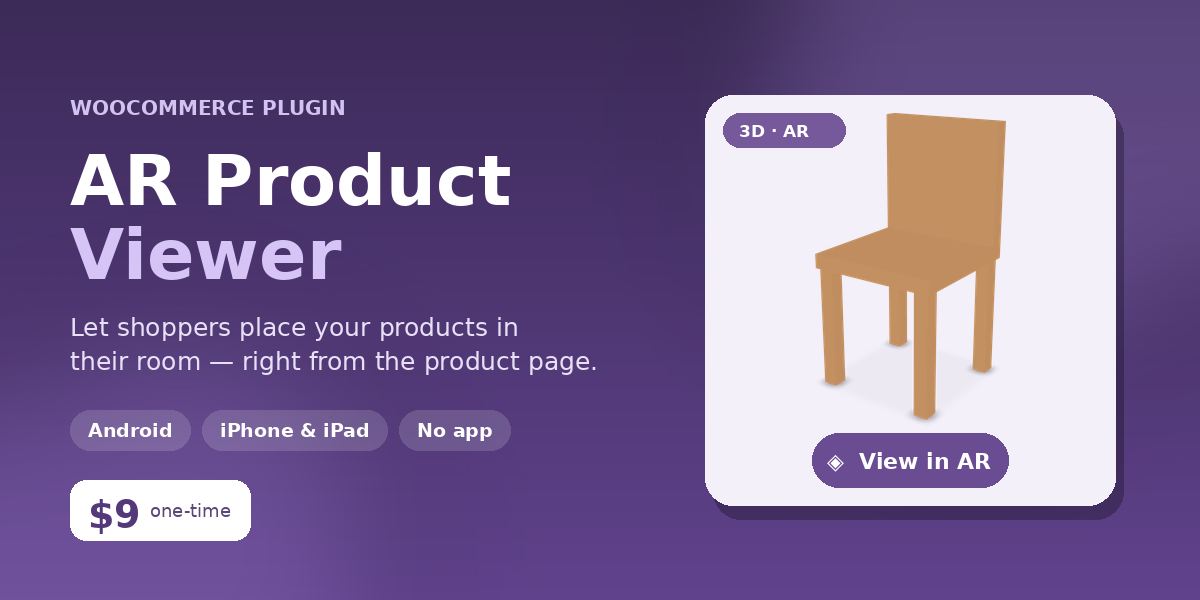
AR Product Viewer adds a “View in AR” button to your WooCommerce product pages. Shoppers rotate your product in interactive 3D and, on a phone, place it life-size on their real floor or table through the camera — cutting “will it fit / how big is it?” hesitation and boosting conversions.
Highlights
- Works on Android & iPhone — ARCore / Scene Viewer on Android, Apple Quick Look on iOS. No app to install.
- 100% self-hosted — the AR engine (Google model-viewer) is bundled in the plugin and served from your own site. No external API, key, or monthly fee.
- Easy per-product setup — a new “AR / 3D” tab on each product: upload a model, tick enable, done. Model (.glb / .gltf / .usdz) uploads are unlocked for you.
- Button + clean modal — opens the 3D/AR viewer in a lightbox, so your product layout stays tidy.
- Shortcode — to place it anywhere.
- Real-world scale — lock models to true dimensions for furniture & decor.
- Compatibility-first — WooCommerce HPOS-ready; works with Elementor, Divi, XStore, block & classic themes. Purely additive — never touches cart or checkout.
What you need
A 3D model of your product in .glb format (optionally .usdz for the best iPhone AR). Create these free with a phone-scanning app (Polycam, KIRI Engine), an AI photo-to-3D tool (Meshy, Tripo), or Blender. A sample model is included so you can test everything immediately.
Requirements
- WordPress 5.6+
- WooCommerce 4.0+
- PHP 7.2+
Full setup documentation is included in the download.




Reviews
There are no reviews yet.